
 LT
LT
 DE
DE
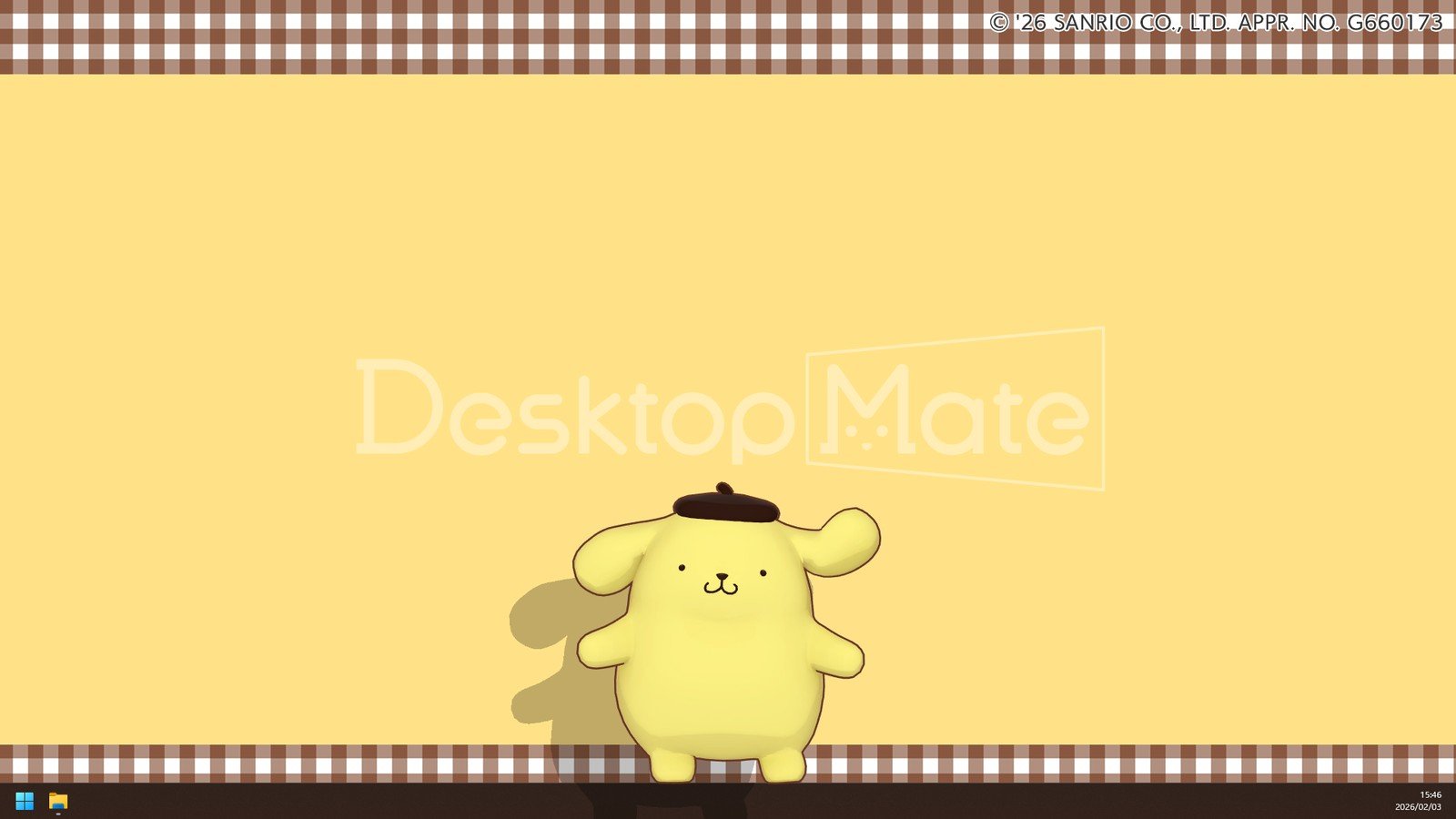
If you are wondering where and how to legally download the Desktop Mate Sanrio DLC, the latest news is certainly relevant to you: the developers of Desktop Mate have announced an official Sanrio-themed DLC that will bring even more charm and recognizable characters to your computer desktop.
This news is important not only to fans of kawaii aesthetics. It shows that the Desktop Mate project is moving toward larger licensed partnerships involving world-class brands. The Sanrio name is about more than just Hello Kitty: it represents dozens of iconic characters and an entire culture that has long since moved beyond children’s merchandise.
Although the DLC has only just been announced, the mere fact that it is being created under an official license suggests that users can expect higher-quality models, animations, and a clearer distribution channel—which is especially important when it comes to safe downloads. Below, we explain what this announcement means, what you can expect, and what the practical side will look like for users.
What the Sanrio DLC Announcement Means for Desktop Mate
Desktop Mate is a desktop companion app/gaming tool in which a virtual character lives along the edges of your screen, on top of windows, or simply “sits” next to your workspace. Solutions like this often balance productivity—lightweight mini interfaces, notifications, or interactions—with a simple emotional backdrop: pleasant company that helps make your desktop feel more personal.
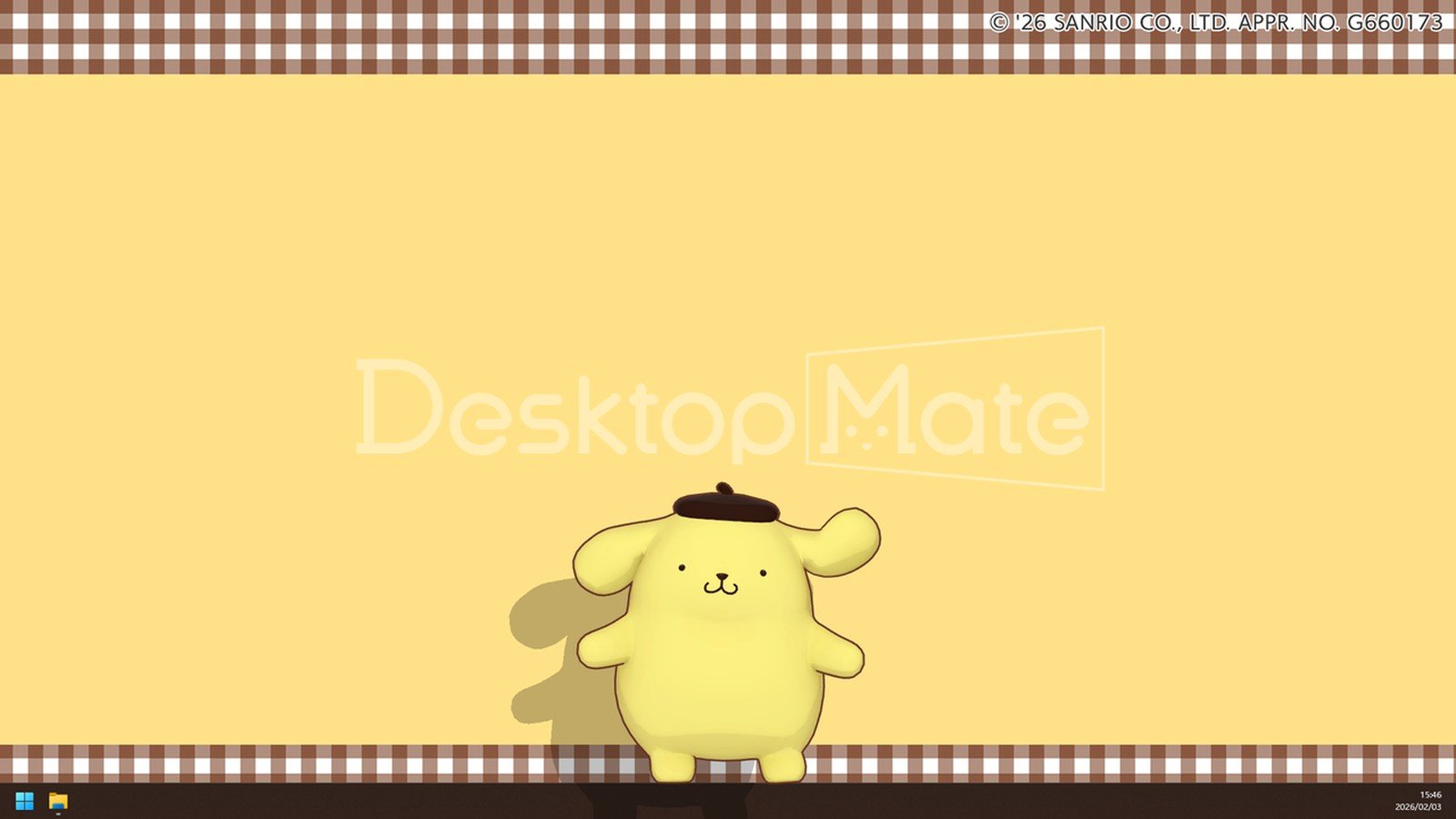
The Sanrio DLC announcement signals several things. First, the developers are focusing on recognizable content with a clear target audience and a large fan community. Second, licensed DLC usually means that the content will be sold officially—for example, through Steam or another platform—making it easier for users to understand what they are buying and where they are downloading it from.
Third, partnerships like this may also point to further expansion: if the Sanrio collection proves successful, Desktop Mate could attract other franchises in the future, ranging from anime to video game series. This matters to anyone looking for more than a one-off “cute app” and instead wants a project that will grow and continue receiving support over the long term.
Downloading the Desktop Mate Sanrio DLC: What You Get and Who It Is For
Although the exact contents of the DLC may vary depending on the final version, the Sanrio add-on essentially means additional licensed characters and a package of behaviors and animations for them. This type of DLC typically includes:
1) new characters (models) with recognizable designs; 2) unique animations (movements, mouse reactions, and idle scenes); 3) additional cosmetics (pose or outfit variations and accessories); and 4) sometimes themed backgrounds or small interface elements, if Desktop Mate supports them.
Who is it for? First and foremost, it is aimed at fans who want to personalize their desktop so that it reflects their interests. However, there is also a second audience: people who find long hours of working or studying at a computer monotonous. For some users, a small, unobtrusive but “living” element on the screen can help maintain a good mood or simply provide a sense of comfort, much like lo-fi music playing in the background.
However, it is worth remembering that this is not a productivity tool in the traditional sense. Desktop Mate is closer to the concept of a digital pet or virtual mascot. Even an extremely cute DLC is unlikely to turn it into a must-have app for everyone—but for those who enjoy personalization, licensed Sanrio content could be exactly the selling point that was missing.
Which Sanrio Characters Could Appear—and Why It Matters
The Sanrio universe is full of characters, but the most recognizable worldwide include Hello Kitty, My Melody, Kuromi, Cinnamoroll, Pompompurin, and Keroppi. This gives the DLC developers plenty of creative possibilities: each character could have a different personality and unique micro-animations, which make up a large part of the value of this kind of desktop companion.
Why does the character selection matter? Because the success of a DLC often depends on whether the most popular characters are included in the package. If the add-on launches with several major stars, it could later be expanded through additional packs or updates. This would allow the Desktop Mate team to test whether the audience wants more Sanrio content and exactly which kind.
The execution is also important: will the characters have smooth, high-resolution animations, will their reactions to user actions be interesting, and will they avoid getting in the way of work? Cuteness is only one side of the equation—the other is ergonomics. A character should not cover important UI elements, make it difficult to click buttons, or cause discomfort if you spend a lot of time using multiple monitors.
How to Download the Desktop Mate Sanrio DLC Legally and Safely
When it comes to downloading, the most important criterion is the official distribution channel. When DLC is licensed, there is almost always a clear purchase-and-install process that reduces risks such as malware, fake files, and account theft. In practice, the process usually looks like this:
1. Find the official platform page. This will most likely be Steam—or another store through which Desktop Mate is distributed. Look for the main product page and a separate DLC listing featuring the Sanrio name.
2. Check the publisher and description. Official DLC will clearly list the developer/publisher, description, user reviews once they become available, and a clear price. Avoid third-party download websites offering “free” packages—especially if they require you to disable your antivirus software or download additional installers.
3. Purchase and install it through the platform. After purchase, the DLC will usually download automatically alongside the main app or appear as a separate installable component in your library settings.
4. Activate the content in the app. In many apps of this type, DLC characters can be selected from a menu labeled “Characters,” “Skins,” “Companions,” or something similar. You may sometimes need to restart the app before it recognizes the new content.
If your goal is to download the Desktop Mate Sanrio DLC as quickly as possible, it is worth following official developer announcements and adding the DLC to your wishlist. This way, you will receive a notification when it becomes available and will not need to search for it through questionable sources.
Price, Release Date, and What to Expect Realistically
One of the most common questions after announcements like this is when the DLC will be released and how much it will cost. During the announcement stage, developers often provide a general timeframe—such as “in development” or “coming soon”—but do not always reveal a specific date. Licensed content often goes through additional approval stages involving brand guidelines, design reviews, and localization.
Pricing will depend on the scope. If the DLC includes one or several characters with animations, the price may be lower. If it is a larger package with dozens of cosmetic items or additional features, the price will increase accordingly. In the gaming industry, licensed DLC usually costs more than original skin packs because licensing expenses are also included in the price.
A realistic piece of advice is to wait for the first user impressions before buying and check whether the DLC introduces any issues, such as increased resource usage. Although the Desktop Mate format appears lightweight, animated 3D or 2D content can still affect older computers—especially if you use many apps or play games at the same time.
Technical Considerations: Performance, Privacy, and Usability
Desktop companions always raise three practical questions: will they use too many resources, will they interfere with work, and are they safe? The Sanrio DLC itself does not change the privacy situation, but it increases interest in the product, which leads to more unofficial mods and cracked versions—and these are usually the riskiest options.
In terms of performance, the most important factor is how Desktop Mate renders the character: whether it uses GPU-accelerated rendering, what animation quality it offers, and whether users can limit the frame rate, reduce the level of detail, or pause the character in full-screen mode. If the app includes these settings, it is recommended that you enable automatic pausing while gaming or working with full-screen applications.
From a usability perspective, it is important for the character to behave intelligently: it should move away from the active window, avoid becoming a clickable distraction, and include a simple button for disabling or hiding it. If the Sanrio characters become especially popular, it is reasonable to expect more user requests for additional features, such as quick character switching or a dedicated work mode.
Why This Kind of DLC News Is Becoming More Common in Games and Apps
Licensed content is now one of the most reliable ways to attract a new audience. A user may not know what Desktop Mate is, but they know Sanrio and Hello Kitty. This creates a natural bridge: people arrive because of the character and then stay—or leave—depending on the quality of the product.
At the same time, this reflects another trend: gamification elements are moving beyond traditional games. Desktop personalization, virtual companions, and interactive widgets are areas where game design meets everyday computer experiences. The Sanrio DLC announcement seems logical in this context: it is a brand that fits perfectly within the comfort and coziness category.
Incidentally, partnerships like this often expand community creativity as well, leading to screenshots, clips, recommended settings, and even ideas for work or streaming aesthetics. If Desktop Mate has an active community, Sanrio content could quickly become one of the most frequently seen highlights in desktop setups.
Practical Tips Before Buying: What to Check and How to Choose
If you want to prepare in advance, it is worth establishing a few simple criteria. First, check whether you actually like the main Desktop Mate app: whether the controls are convenient, whether the character gets in the way, and whether the interface is clear. If the base experience is uncomfortable, even the most attractive DLC will not save it.
Second, find out whether the DLC is a one-time package or whether additional content is planned. Developers sometimes begin with a smaller amount of content and release a second wave later. In that case, it may be worth waiting for bundle offers.
Third, pay attention to the refund policy on the platform where you are buying it. If the DLC does not meet your expectations—for example, if the character has too few animations, is poorly optimized, or you simply do not like it—official stores often provide clearer consumer rights than unofficial channels.
Finally, do not forget about security: the phrase “download Desktop Mate Sanrio DLC” may attract many fraudulent websites, so the best strategy is simple—download only from official platforms and avoid “free” file packages that promise miracles.
What Comes Next: Could the Sanrio DLC Change Desktop Mate’s Direction?
One of the most interesting aspects of this news is the potential future of Desktop Mate. If the Sanrio DLC becomes popular, the developers will receive a clear signal that there is demand for licensed content. This could encourage not only the addition of more characters but also broader functionality: more interactions, additional mini activities, better multi-monitor support, or a smarter do-not-disturb mode.
It is also likely that more personalization options will appear, including different behavior profiles—calm or active—different sizes, and sound effect controls. The Sanrio aesthetic is very clear and subtle, so users often want the technical experience to match: clean, convenient, and uncluttered.
For now, the most important thing is the message behind the announcement: Desktop Mate is moving toward larger licensed content offerings, and Sanrio is an exceptionally strong starting point for this strategy.