
 LT
LT
 DE
DE
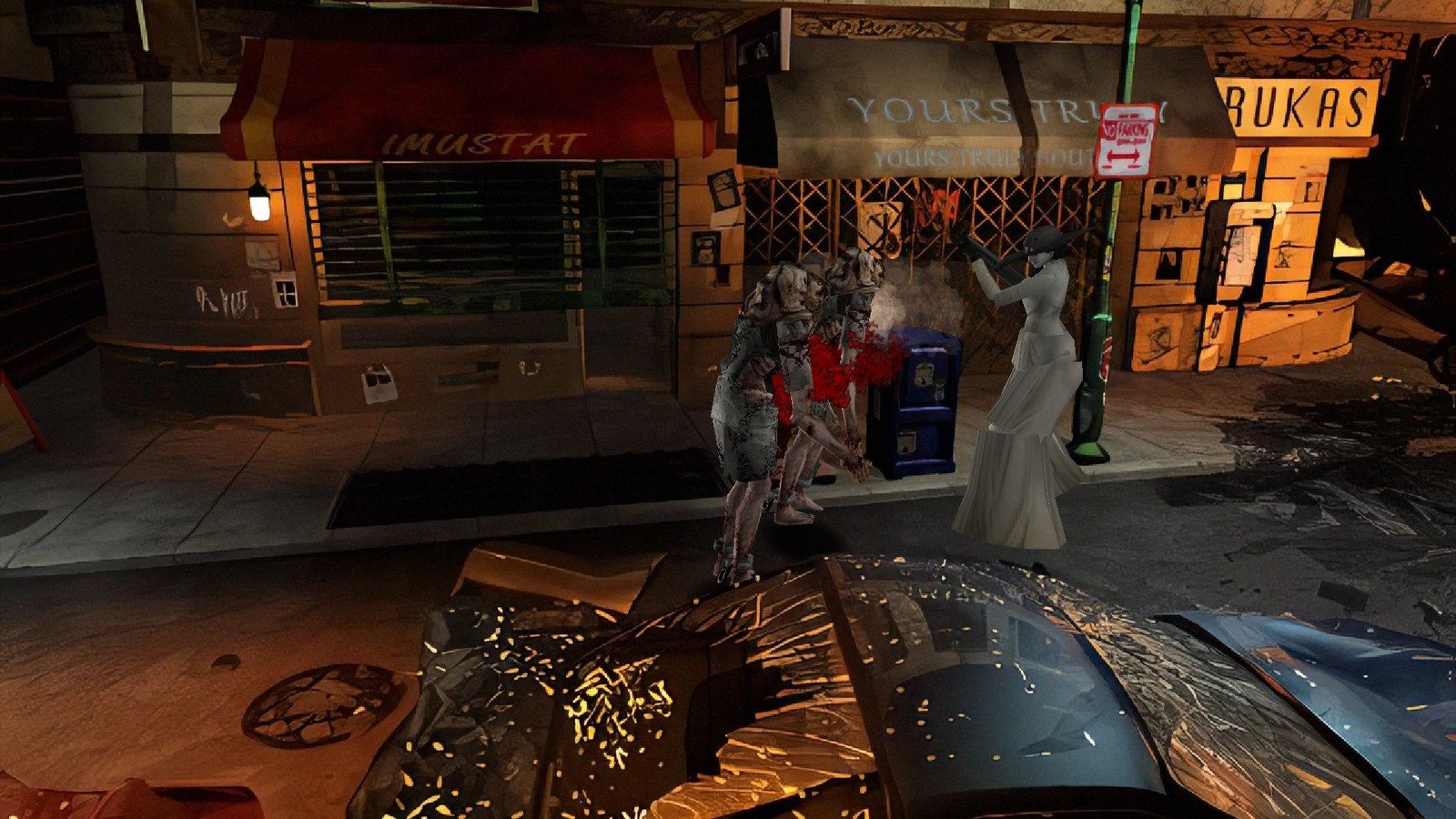
If you are searching for how to install BioRand for Resident Evil, there is one thing worth knowing: this is not a “simple mod,” but a tool capable of completely reshuffling the classic Resident Evil experience until it sometimes becomes less like pure horror and more like a strange yet highly playable comedy fever dream.
BioRand has recently been attracting more attention again because of one particular news story—a widely discussed article appeared in gaming media about how this randomizer can disrupt familiar routes, enemies, resources, and even the sense of pacing. In other words, you return to the Spencer Mansion, but it does not behave the way you remember.
The basic concept behind BioRand is simple: it introduces randomness into areas that were carefully calibrated in the original. As a result, one “seed” can create a tense survival horror experience, while another produces an absurd chain of situations in which the player receives too many—or too few—resources and threats appear in the most unexpected places.
What’s New: Why BioRand Is Relevant to Classic Resident Evil Again
Classic Resident Evil has long had an active modding and speedrunning community, but BioRand stands out because it creates almost endless replayability without adding new story scenes. The game remains the same—the same corridors, keys, doors, and puzzles—but the path to the solution becomes unreliable.
That is the core of the news: BioRand essentially “mutates” a familiar experience into something unpredictable. From the outside, it can look comical, especially when the player expects one thing and gets something completely different. In practice, however, randomizers like this often create a new layer of skill involving planning, risk management, and adaptation.
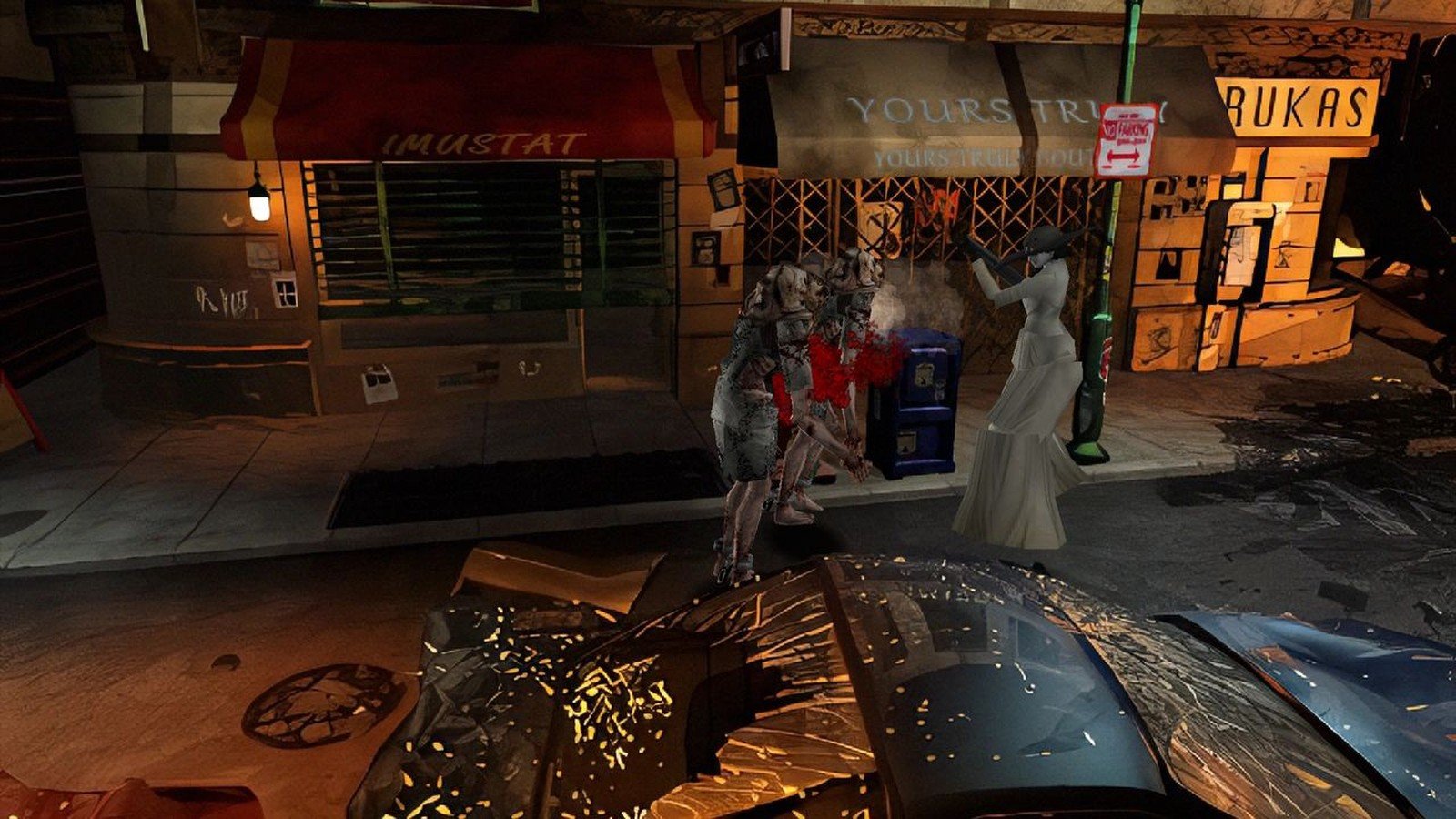
This renewed interest in BioRand is no coincidence: retro horror games are popular again, and players are increasingly looking for “new old” experiences—ones that preserve the atmosphere of the original while forcing them to think differently. That is exactly what BioRand offers: the old mansion with new rules.
How to Install BioRand for Resident Evil: What to Prepare Before Starting
For a smooth installation, it is important to understand that BioRand generally does not modify the game out of nowhere. You need a working version of classic Resident Evil on your PC—or a version supported by the specific BioRand release. Different BioRand versions may target different editions, so it is always worth checking compatibility wherever BioRand is distributed, such as the project page or documentation.
The practical goal before installation is to have a clearly organized, clean game folder without other mods, create a backup, and only then begin experimenting with randomization. Randomizers often generate new files or overwrite certain parts of the game data, so a backup can save a great deal of time.
A short preparation checklist:
- A legal copy of the game and a working installation—or a folder containing game files that BioRand recognizes.
- A backup: copy the entire game folder to a separate location.
- Enough disk space for several modified versions, which is useful if you want to keep multiple different “seeds.”
- Patience for testing: the first launch may require several attempts before you find a stable set of settings.
Another important detail is that BioRand content is generally intended for personal use rather than for distributing game files. This means that it is usually advisable to share only settings or “seed” numbers, not modified game files, unless the authors or licenses permit it.
How to Install BioRand for Resident Evil and Launch It for the First Time: Simple Steps
The exact interface and button names may vary depending on the BioRand release, but the installation process is usually similar: download the BioRand program/archive, specify the game path, select the randomization parameters, generate a “seed,” and then launch the game from the modified installation—or from a separate folder.
The recommended process on Windows looks like this:
- Download BioRand from an official source, such as the project page, file host specified by the author, or a trusted community link. Avoid random reuploaded archives.
- Extract BioRand into a separate folder—for example, not directly into the game folder, so it is clear which files belong where.
- Copy the clean game folder and create a “working” copy that will be randomized, such as “RE_BioRand_Run1.”
- Launch the BioRand tool and specify the path to that working copy—or to a file if the tool requests a specific executable or data file.
- Select the settings: choose what to randomize, such as enemies, items, ammunition, key items, and so on. For the first attempt, it is worth choosing conservative settings so that progression does not become softlocked.
- Set the “seed”: you can use an automatically generated random seed or enter a specific number/text string so that you can recreate the same shuffle later.
- Click the generation button that creates the randomized version. In some tools, this action may be labeled “Randomize,” “Generate,” or something similar.
- Launch the game from that working copy and check whether everything starts correctly and whether there are any obvious errors, such as a black screen, missing audio, or a crash in the menu.
If you plan to play several runs, it is practical to keep multiple copies of the working folder with clear names based on the date, seed, or settings profile. This allows you to quickly return to a configuration that works well.
What BioRand Actually Changes: From Survival Horror to Unexpected Comedy
Classic Resident Evil is designed to make the player feel constant pressure: limited ammunition, limited healing supplies, a save economy, and threats that must be remembered. Depending on the settings, BioRand can overturn this balance in several ways.
Items and resources. If item placement is changed, the player may find healing supplies where ammunition would normally be, or vice versa. At one moment, this can seem funny (“why is there so much X here?”), while at another it can feel extremely threatening (“why haven’t I found anything useful yet?”).
Enemies and encounters. If enemies are randomized, familiar areas gain a new “temperament.” This is especially noticeable in early locations where the original game teaches players the basics. BioRand can move danger to a more inconvenient point, forcing players to abandon the automatic habit of playing from memory.
Routes and decisions. In the classic game, much depends on the optimal order of keys and puzzles. Even if the randomizer does not change the logic of the puzzles themselves, it changes how quickly—or safely—the required resources are obtained, meaning the same route is not always the smartest option.
This is why players sometimes call BioRand a “comedy generator”: the situations are funny not because the game becomes a parody, but because tension and surprise create an absurd contrast with what the original scenario was “supposed” to do.
Stability and Security: What to Know Before Modifying a Classic
Mods and randomizers almost always involve compromises. Even if the tool is popular, it is worth proceeding carefully: use a trusted download source, scan files with antivirus software, do not keep the BioRand archive as your only copy of the game, and never experiment with your only game installation.
If BioRand requests administrator privileges, it is worth checking why. For some older games, this may be related to writing files inside “Program Files” directories. A practical tip is to keep the game and mod folders in a location where the user has write permissions, such as a separate directory on the drive, so that excessive privileges are not required.
Common Installation and Launch Problems—and How to Solve Them
Although BioRand’s concept is simple, problems usually arise because of compatibility issues, an incorrectly specified path, or because the game is not the specific edition for which the tool was designed. Below are some typical situations and general troubleshooting options.
- BioRand does not “see” the game. Check whether the exact folder has been specified and whether it contains the required files. If you have several versions, confirm that you selected the one supported by BioRand.
- The game does not launch after randomization. Generate it again with fewer randomization options enabled—for example, disable some parameters. Also check whether the game works in its clean state without BioRand.
- Strange in-game behavior, such as a softlock or a missing item. This may be a “seed” problem or the result of overly aggressive settings. A different seed, more conservative parameters, or profile presets—if the tool includes them—will often help.
- Antivirus software blocks the tool. If the source is trustworthy, this can sometimes happen because lesser-known executable files are flagged as “suspicious” by heuristic detection. It is still not advisable to disable protection blindly. Instead, check the source, community feedback, and hashes—if provided—and only then make a decision.
- Audio or visual problems. With older PC releases, BioRand is not necessarily responsible. Compatibility settings, windowed mode, or other classic “retro PC” solutions may be required.
If the goal is simply to test the concept quickly, it is worth starting with a minimal configuration: randomize only items or only enemies. Once the basic setup process works, you can gradually increase the level of chaos.
How to Play BioRand Without Turning Fun Into Frustration
A randomizer works best when treated as a new mode rather than a “replacement for the original.” A few practical guidelines can help maintain the balance between surprise and fairness.
1) Choose a goal. Do you want a funny, chaotic run, or a “fair” survival experience? If the goal is stable progression, it is advisable to avoid settings that may scatter critical progression items unpredictably—if such a scenario is even possible in the specific BioRand version.
2) Use seeds as a “playlist.” When you find an interesting seed, it is worth writing it down. This allows you to return to the same “world” later or share it with friends so that everyone can attempt the same chain of events.
3) Agree on the rules. Communities often use their own rules, such as “no reloads,” “limited saves,” or “knife only until the first boss.” With BioRand, such rules create a clearer structure and reduce the feeling that everything depends entirely on luck.
4) Remember that it is still Resident Evil. Even when situations look comical, the basic principles remain the same: inventory discipline, route planning, ammunition conservation, and risk/reward decisions.
Alternatives and Who BioRand May Not Be Suitable For
Although BioRand sounds like a universal way to “revive” a classic, it will not be the best choice for everyone. If you want a pure, carefully authored horror experience in which everything is balanced according to the designers’ intentions, the randomizer may feel like a lottery element that disrupts the atmosphere.
It is also important to understand that different people have different tolerances for randomness. Some find adaptation the most interesting part, while others prefer perfecting an optimal route. If you belong to the second group, you may prefer challenge mods or special modes that change the rules while preserving deterministic planning.
Nevertheless, as the context of one recent news story showed, BioRand’s strength is that it allows players to experience the “same” game in a new way and can sometimes even make them laugh out loud in places that once offered nothing but tension. That is a rare combination for a horror classic.
Verdict: Is BioRand Worth Trying Now?
BioRand is a quick way to return to classic Resident Evil without installing a long list of mods. Its value becomes clear when the player already knows the original and wants replayability that goes beyond “the same thing again.” The renewed attention surrounding BioRand is a reminder that even a game several decades old can feel fresh when the things the brain remembers as “obvious” are changed.
If the goal is to create an unexpected, sometimes comically unpredictable yet still tense journey through the mansion, then the answer to the question “how to install BioRand for Resident Evil” becomes not only technical but also creative: choose a level of chaos that creates stories rather than just errors.