
 LT
LT
 DE
DE
Red Dead Redemption 2 system requirements are the official minimum PC specifications listed on the Steam page that are needed for the game to run on a Windows computer at all. This source lists minimum requirements only; no recommended requirements are provided.
According to Steam, the PC version of Red Dead Redemption 2 is designed for Windows (listed as “Windows 10 – 64-bit”). Support for macOS and Linux is not specified in the official Steam listing. The game was released on December 5, 2019, its developer and publisher is Rockstar Games, and the age rating in the Steam listing is 17+.
Below are the official minimum requirements (paraphrasing the Steam requirements section), explanations of what they mean in practice, and specific steps for checking your computer’s specifications before installing or purchasing the game. Information verified: 2026-03-16 07:10 UTC.
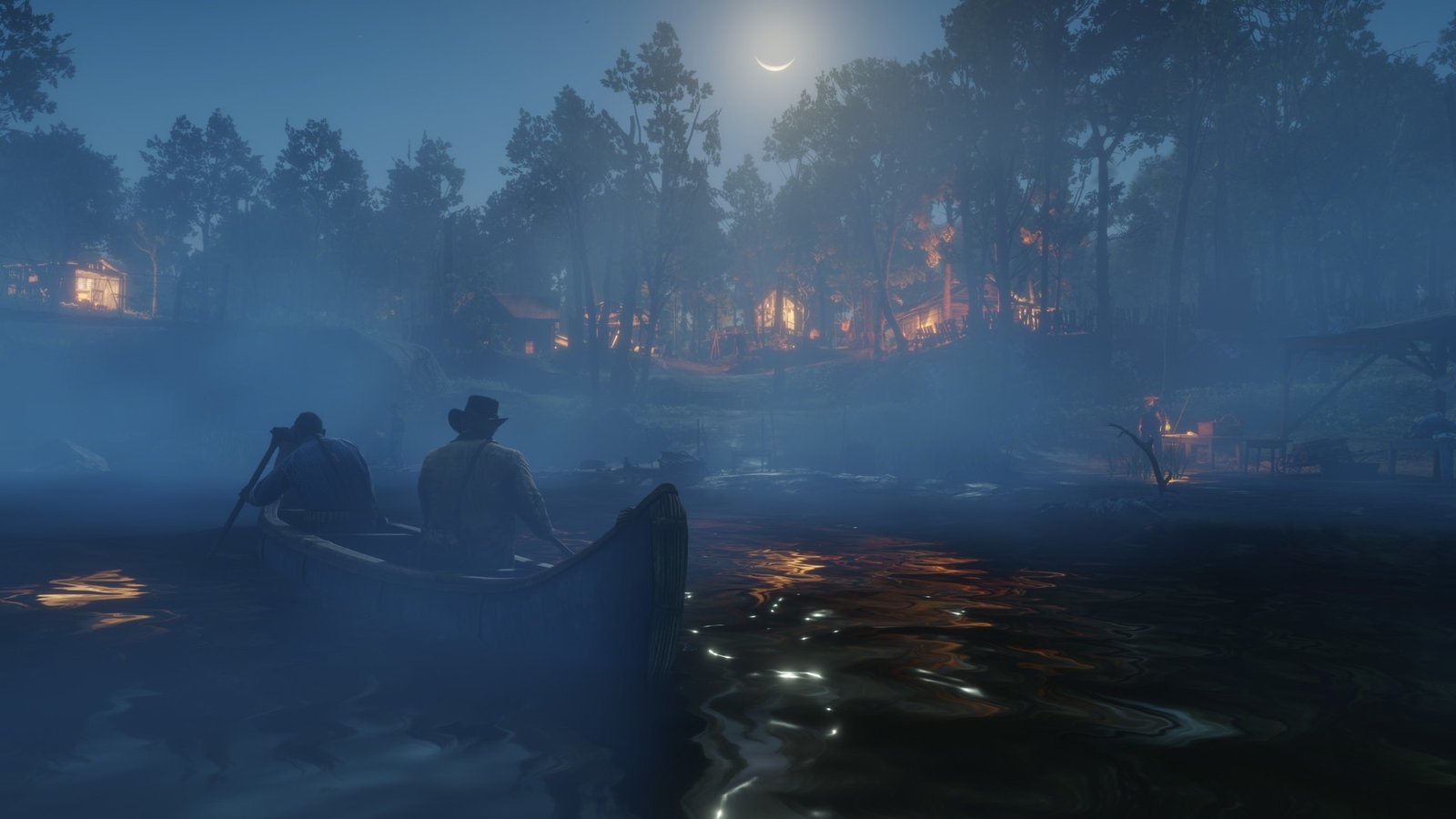
Quick overview
- Platform: the Steam listing states that the game is available for Windows (macOS and Linux are not listed).
- Minimum requirements (official Steam specifications): provided (see below).
- Recommended requirements (official Steam specifications): not clearly provided (there is no recommended section).
- Storage space: Steam lists a minimum of 150 GB of available space.
- Network: a broadband internet connection is listed.
Where to find the official information
The most reliable source to refer to is the official Steam Store page: https://store.steampowered.com/app/1174180/ (AppID: 1174180).
On the Steam page, the system requirements are usually displayed further down in the product description under the “System Requirements” section. This is where you can find the text used to compile the minimum configuration list on this page.
If you are unsure whether the requirements have changed, open the Steam link and compare the information with the game’s “System Requirements” section, particularly the storage space and operating system requirements.
What the official requirements mean in practice
The minimum requirements provided by Steam generally represent a basic starting point: the game should launch on this or similar hardware, but this does not automatically guarantee smooth performance in every situation or at high graphics settings. Because this official source does not provide recommended requirements, there is no clear “target” configuration that could be considered the manufacturer’s suggested standard for a comfortable gaming experience.
The official Steam requirements section for Red Dead Redemption 2 lists:
- 64-bit processor and 64-bit operating system: this means that older 32-bit systems are not supported.
- OS: “Windows 10 – 64-bit”.
- Processor (CPU): “Intel Core i5-2500K” or “AMD FX-6300”.
- Memory (RAM): 8 GB.
- Graphics card (GPU): “Nvidia GeForce GTX 770” with 2GB or “AMD Radeon R9 280” with 3GB.
- Network: broadband internet connection.
- Storage: 150 GB of available disk space.
- Sound card: “Direct X Compatible” (compatible with DirectX).
In practice, there are two important things to consider: (1) whether your components are weaker than those listed here, and (2) whether you have enough available disk space—150 GB is a specific figure that is usually easy to check in advance.
It is also important to understand that the Steam requirements section only lists “Minimum” requirements here. Because there is no “Recommended” section, any attempt to specify recommended CPU, GPU, RAM, or graphics settings would be speculation—this page does not do that.
How to check your PC
Before installing the game or deciding whether to purchase it, it is useful to check several basic computer specifications and compare them with the official minimum requirements.
- Operating system and system type: check whether you are using Windows 10 and whether your system is 64-bit.
- Processor (CPU): find the exact model and compare it with the “Intel Core i5-2500K / AMD FX-6300” (the minimum threshold according to Steam).
- Amount of RAM: check whether you have at least 8 GB of RAM (the minimum requirement according to Steam).
- Graphics card (GPU) and video memory: check your GPU model and how much video memory it has; Steam lists the “GTX 770 2GB” or “R9 280 3GB” as the minimum.
- Available disk space: make sure that you have 150 GB of available space (the minimum requirement according to Steam).
- Internet connection: Steam requires a broadband internet connection, so keep in mind that an internet connection may be necessary.
If you want to make the comparison without relying too much on memory, the easiest option is to open the Steam page and keep the requirements list beside it: Steam (Red Dead Redemption 2). You can then compare the OS, CPU, RAM, GPU, and disk space line by line.
If your computer components differ from those listed, the most important question is whether they are weaker than the minimum specifications. The official source does not provide recommended requirements, so there is no precise manufacturer-provided list stating that “it would be better to have X.”
Common reasons why the game may perform poorly
Even if your PC meets the minimum requirements, the actual experience may vary: game performance depends on more than just component names. Below are the most common practical factors that often cause stuttering, longer loading times, or unstable performance (these are general aspects of PC gaming performance, not additional Red Dead Redemption 2 requirements).
- Insufficient available disk space: although the requirement lists 150 GB, problems may occur in practice when very little free space remains, such as during installation and updates.
- Background applications and processes: they may use RAM or place additional load on the CPU/GPU, particularly when the minimum listed amount is 8 GB of RAM.
- Overheating and clock speed reduction: if the cooling system is inadequate or dusty, components may reduce their performance to prevent overheating.
- Driver and system condition: outdated or improperly functioning drivers and system issues can sometimes cause stuttering or errors.
- Unstable internet connection: because the requirements list a broadband internet connection, connection problems may affect some features, especially when using online modes.
If you notice poor performance, it is worth starting with the simplest checks: verify the available disk space, close unnecessary applications, and confirm that your computer’s specifications actually meet the officially stated minimum requirements.
Should you pay attention to the SSD, RAM, and graphics card?
Regarding the SSD. Steam’s official minimum requirements do not state that an SSD is required—they only specify the necessary amount of disk space (150 GB). However, the type of drive may have a practical impact on loading times and overall system responsiveness, particularly because the game occupies a significant amount of space and relies heavily on reading data. The most important thing is to ensure that the drive genuinely has enough available space, as stated by the official source.
Regarding RAM. The official minimum is 8 GB of RAM. If the system is simultaneously using a large amount of memory for other tasks, such as a browser, communication software, recording, and similar applications, fewer resources may remain available for the game. Because Steam does not provide recommended requirements, this source does not offer an official answer regarding the ideal amount of RAM—there is only a minimum threshold.
Regarding the graphics card. Steam lists the “Nvidia GeForce GTX 770 2GB” or “AMD Radeon R9 280 3GB” as the minimum. This provides a useful reference point: if your GPU is weaker or has less video memory than specified, the likelihood of encountering problems increases. If you have a different GPU, compare it carefully by considering both the model and the amount of video memory, and disregard any claims about “recommended” hardware because no official recommended section is provided.
Regarding the internet connection. The official minimum requirements include “Broadband Internet connection.” Even if you play in single-player mode, keep in mind that an internet connection may be important for certain features or services, and an unstable connection can sometimes cause additional issues.
Conclusion
According to the official Steam listing, the minimum requirements for the PC version of Red Dead Redemption 2 include a 64-bit system, Windows 10 – 64-bit, specific CPU and GPU models, 8 GB of RAM, a broadband internet connection, and 150 GB of available disk space. Recommended requirements are not clearly provided in the official Steam source, so the safest approach is to rely only on the minimum requirements and your computer’s actual specifications.
If your computer’s specifications are close to the minimum, the actual experience may depend on many practical factors, including available disk space, background applications, and the condition of the system. The most reliable course of action is to open the Steam page before installing the game and compare the specifications line by line.